
 Dusty LedgerUnder development
For small-medium Australian mixed livestock and cropping farms
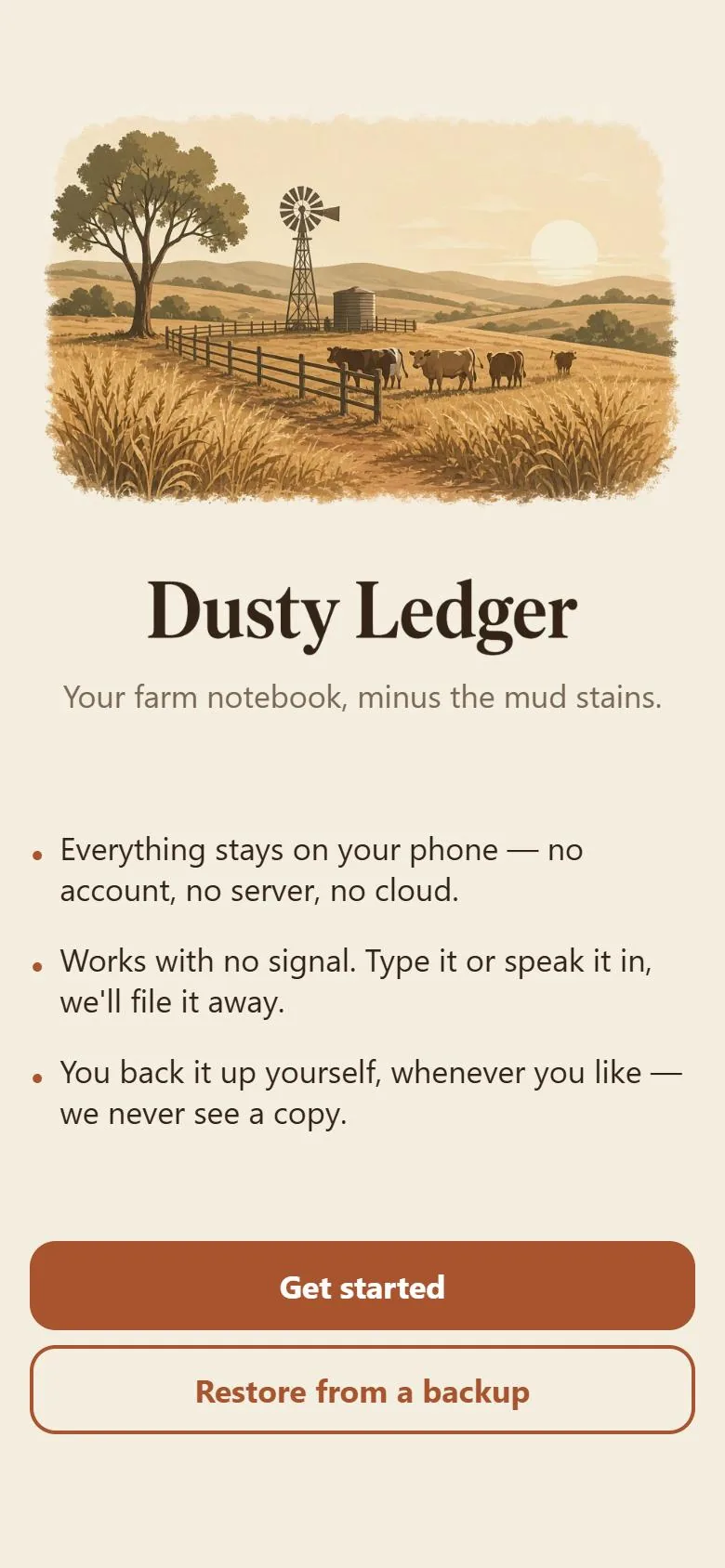
Your farm notebook,
minus the mud stains.
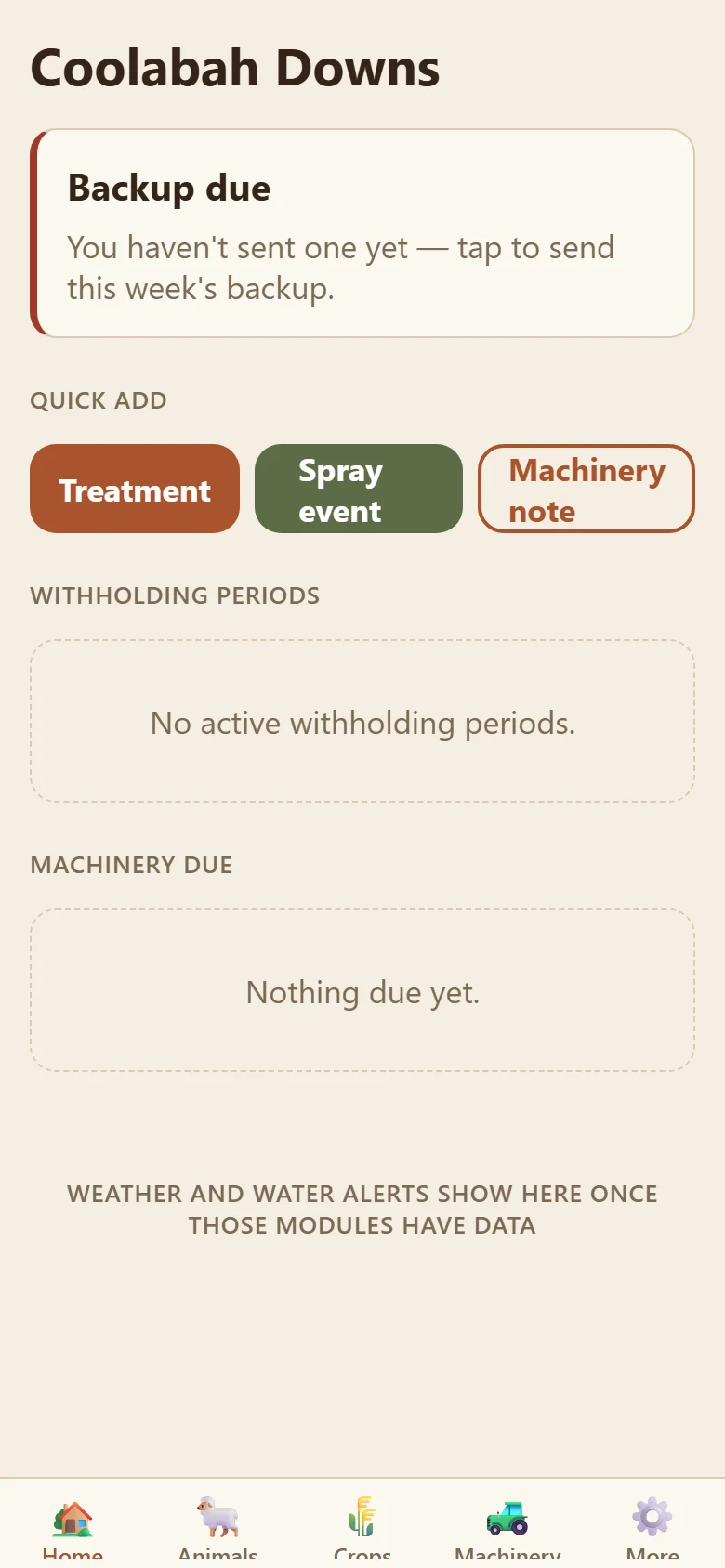
Speak an entry in as it happens — a drench, a spray, a service — and Dusty Ledger files it while you get on with the day. Animals tracked by paddock, crops with their withholding periods, machinery with its own due dates, backed up to your own inbox every week. Nothing leaves your phone except the backup you choose to send, and the words of a spoken entry, sent off to be filed.
No account, no cloud sync. Works with no signal. Doesn't replace your state's actual regulations.
- One mic button — speak it in, it gets filed while you keep working.
- Animals tracked by paddock and species, not a made-up group name.
- Crops, spray events and withholding countdowns, per paddock.
- Machinery service, rego and insurance dates, before they lapse.
- Weather, water licences and feral pest sightings in the same place.
- A weekly backup you send yourself. No cloud sync, ever.
What it does
The parts of running a farm that usually live in a notebook on the ute's dashboard.
-
Speak it in
One mic button, on-device speech-to-text that works with no signal. The raw transcript is saved the moment you stop talking — nothing is ever lost.
-
Never guesses on the important bit
When you're back in range, the details get filed automatically. Anything the app isn't sure about — a withholding date especially — gets flagged for you to check, never silently filled in.
-
Animals by paddock, not a group name
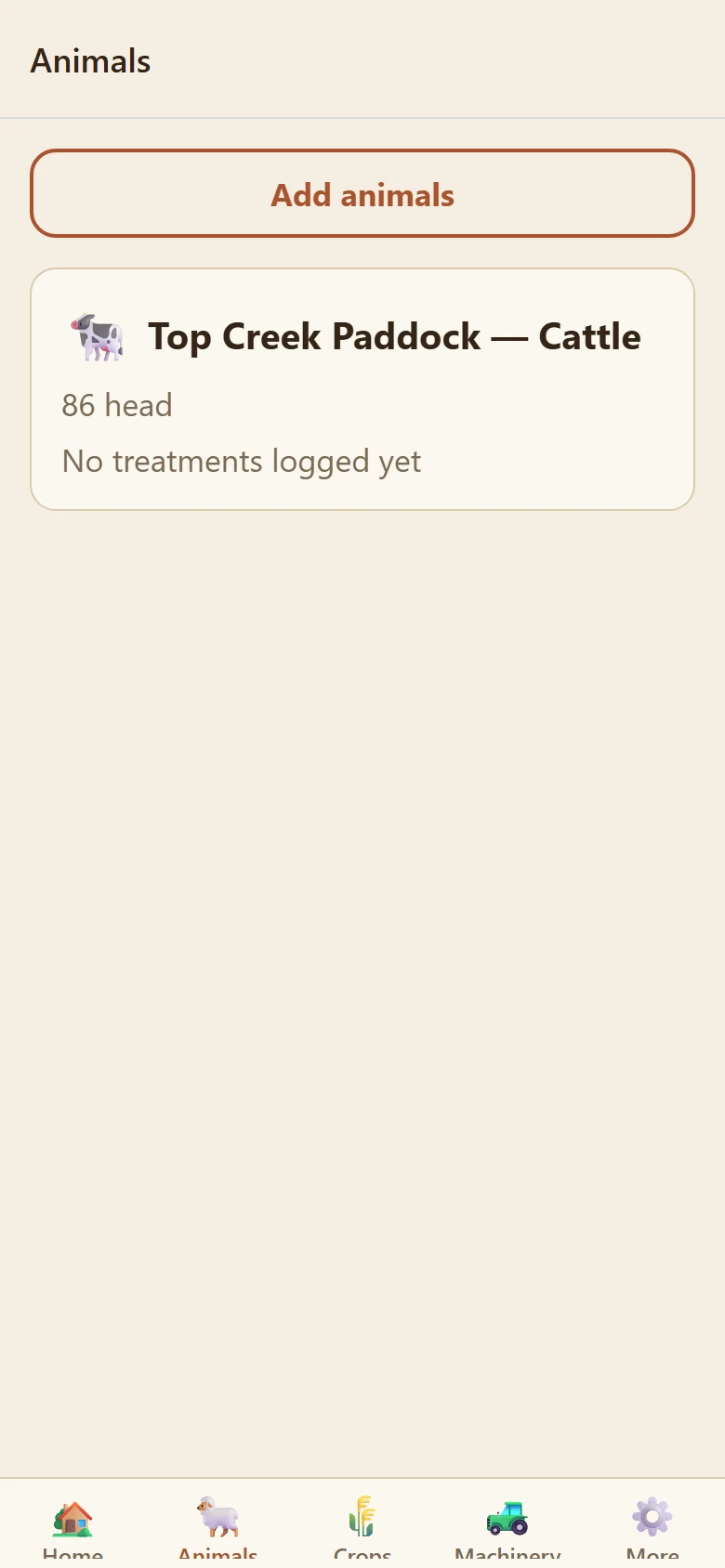
"Top Creek Paddock — Cattle" with a head count and treatment history. No invented collective noun to keep track of, just where they are and what species.
-
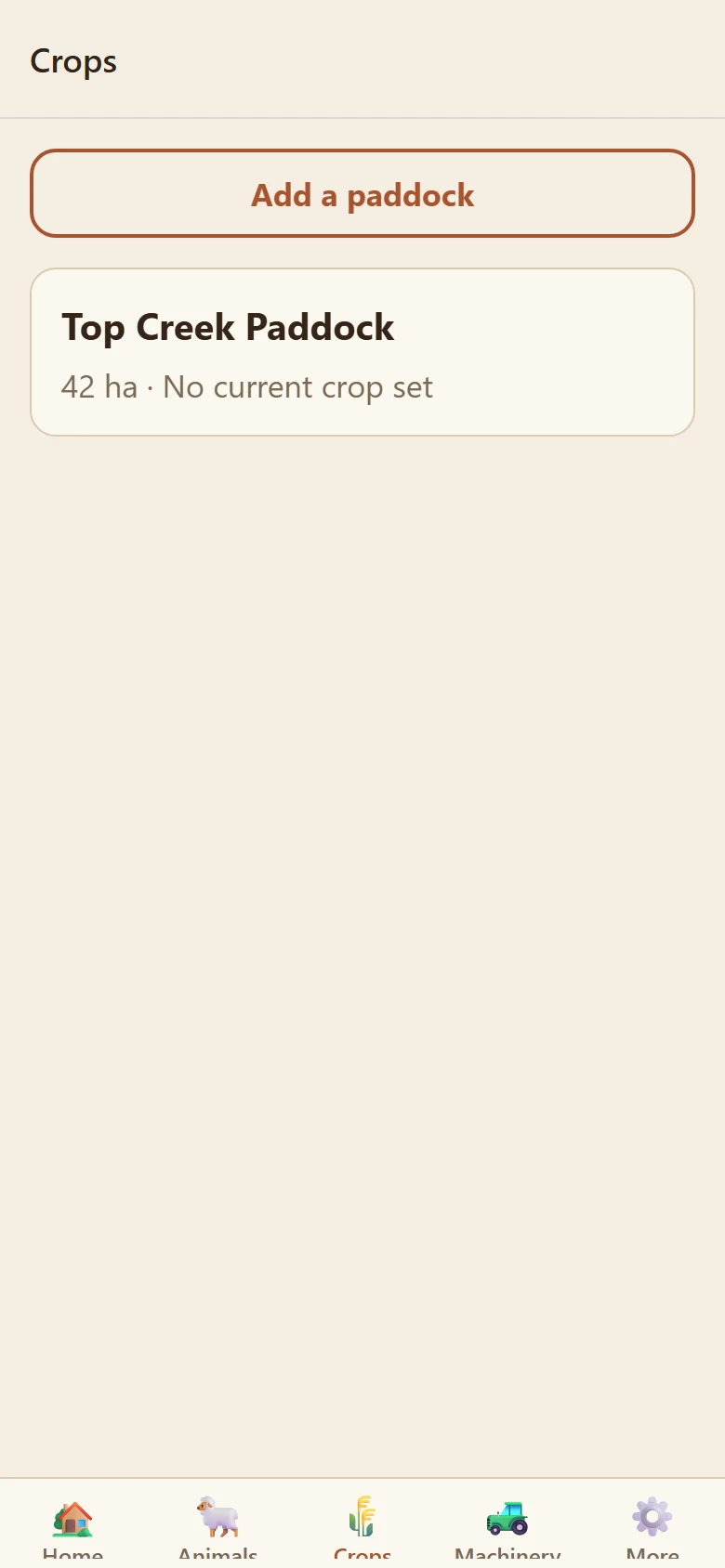
Crops and withholding, per paddock
What's planted, spray events as they happen, and a withholding countdown that shows up on Home before it matters, not after.
-
Machinery due dates
Service, registration and insurance, surfaced on Home before they lapse — a note by voice takes less time than writing it down.
-
A weekly backup you send yourself
Once a week, an encrypted export opens in your phone's own share sheet — usually straight to your own email. Nothing syncs anywhere in the background.
A look inside
Real screens from Dusty Ledger, showing example data for a fictional farm.
How it works
Set up your farm
Farm name, state, and what you run. Paddocks, animals and machinery get added naturally as you use the app.
Speak entries in as they happen
A drench, a spray, a service note — one mic button, said in your own words.
Check the flagged ones
Anything the parse wasn't sure about waits in a low-priority list on Home, never a popup mid-task.
Send yourself a backup
Once a week, through your phone's own share sheet. Restoring on a new phone means opening that email again.
Pricing
Pricing details will be announced before Dusty Ledger opens.
Subscription
Weekly or monthly price to be announced
No lock-in contract, cancel any time. Your data stays on your device either way, so cancelling never means losing your records.
Right now
In development price to be announced
Home, Animals, Crops, Machinery and Backup are working. Weather, Water, Feral Pests and Rules & Regs are still coming together.
Where your data lives
- Every paddock, animal, crop and machinery record is stored on your phone
- Sorting a spoken entry into a record uses an AI service, so it needs signal and queues until you have some. Only the words of that entry are sent, nothing else
- Backups are sent by you, through your own share sheet — never uploaded automatically
- There is no account, no database and no sign-in
- Rules & Regs links straight to the real .gov.au page — we never rewrite what it says
What it isn't
- A cloud service. Restoring means opening your own backup email on the new phone.
- A compliance authority — withholding periods are farmer-entered and reviewed, not certified
- A livestock trading, NLIS or accounting system
- Something that syncs your data anywhere in the background
Put it on your phone
Dusty Ledger is built for the paddock, not the app store queue — it installs like a normal app and works with no signal.
iPhone or iPad
- Open Dusty Ledger in Safari.
- Tap the Share button at the bottom.
- Choose Add to Home Screen, then Add.
Android
- Open Dusty Ledger in Chrome.
- Tap the three-dot menu.
- Choose Add to Home screen or Install app.
Laptop or desktop
- Open Dusty Ledger in Chrome or Edge.
- Click the install icon at the right of the address bar.
- It opens in its own window from then on.
Questions
Does it work with no signal?
Yes, for everything except two things: filing a brand-new voice entry, and sending the weekly backup. Both queue automatically and try again next time you're back in range.
Why isn't a group of my cattle called a "mob"?
Dusty Ledger tracks animals by paddock and species instead — "Top Creek Paddock — Cattle" means the same thing whether it's 12 head or 200, with no group name to keep straight.
What if it mishears me?
The original transcript stays attached to every entry permanently, so you can always see exactly what you said and correct a field if the parse got something wrong.
How does the backup actually work?
Once a week it prompts you to send an encrypted export through your phone's own share sheet — most people send it to their own email. Restoring on a new phone means opening that attachment with the app.
Does it tell me what the regulations say?
No. Rules & Regs links straight to the right .gov.au page for your state and topic — we never summarise or interpret it, so you're always reading the real thing.
Dusty Ledger is being shaped around a real season on the ground.
Animals, crops, machinery and backup are working today. This page will update as the rest comes together.